
Lucky Hunter Casino Login
The Lucky Hunter Casino login process is simple when your account details are correct, but it can get annoying if you are dealing with a forgotten password, a new phone, a VPN message, or a pending verification check. I would treat login as more than just a sign-in button. It is the gate to your balance, bonuses, cashier, documents, limits, and support history.
For Canadian players, the extra issue is location. Lucky Hunter is often discussed as a Canada-facing offshore casino, but Ontario should be treated separately and the site may still run location checks. If you see a geo message, do not keep forcing retries. Figure out whether the issue is your connection, your province, or your account status.

This guide covers the practical login path, recovery steps, mobile access, and the common problems I would troubleshoot before contacting support. If you are still deciding whether the casino is worth using, start with the Lucky Hunter Casino review.
Main Login Options
The clearest supported route is the standard one: email or username plus password. Some pages mention phone details for recovery or verification, but direct phone login, social login, passwordless magic links, and biometric sign-in are not confirmed strongly enough to rely on. Your phone or browser may offer stored passwords or Face ID-style autofill, but that is a device feature, not necessarily a Lucky Hunter feature.
| Login method | Status I would assume | Practical note |
|---|---|---|
| Email or username plus password | Supported | Use this as the main route on desktop and mobile |
| Phone login | Not confirmed | Phone may be used for recovery or KYC, not necessarily sign-in |
| Google, Apple, or social login | Not confirmed | Do not expect it unless it appears on the live form |
| Magic link or code-only login | Not confirmed | Use password reset if you cannot sign in |
| Biometric unlock | Device-level only | Helpful if your phone stores credentials securely |
How To Sign In
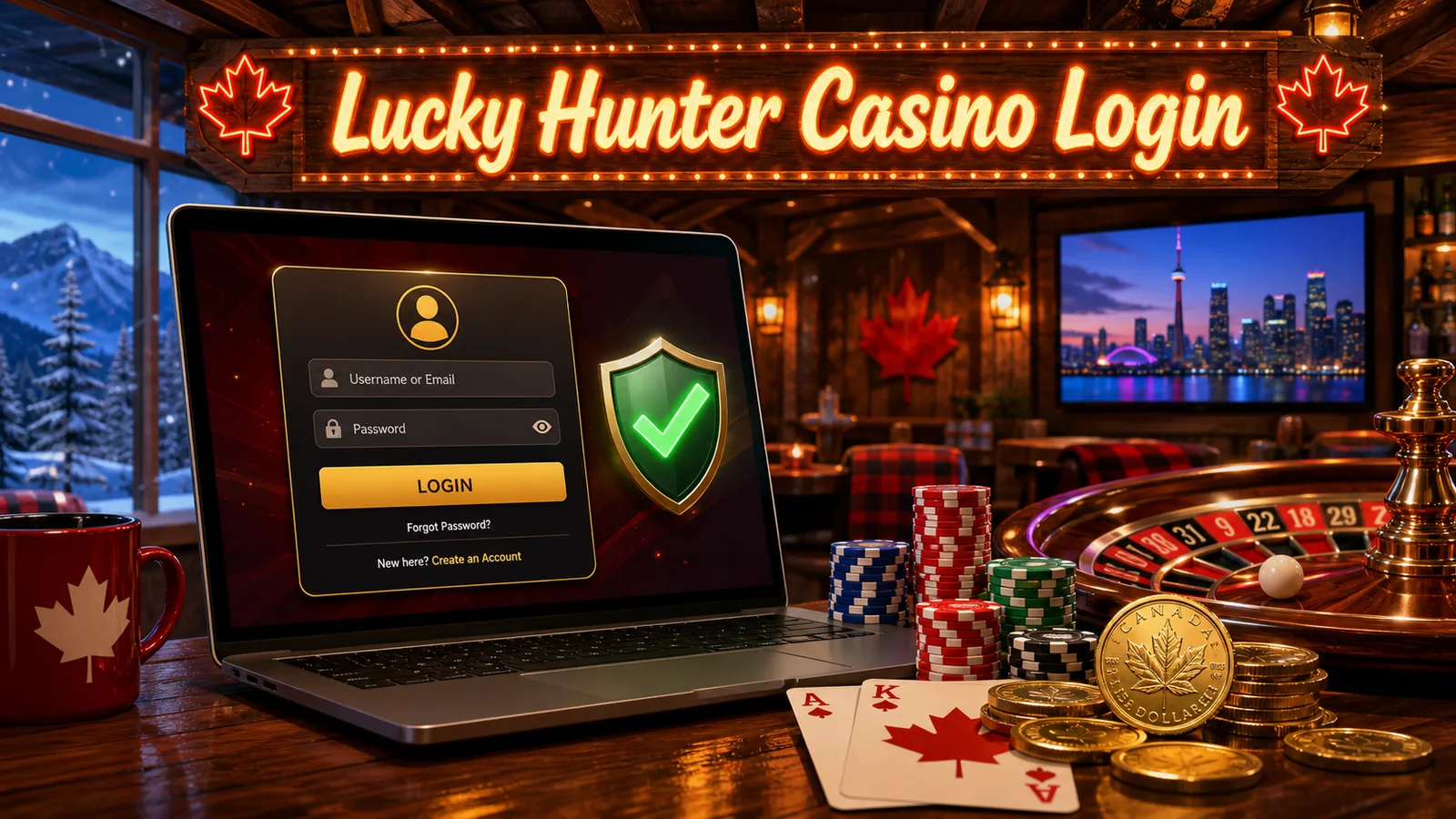
Open Lucky Hunter from the normal site route you use, not from a random mirror or old promo link. Look for the login or sign-in button in the header. On mobile, it may sit behind the menu icon or account icon. Enter your registered email or username and password, then submit the form.
If the details are accepted, you should land in your account area or be returned to the lobby while signed in. From there you can usually reach your balance, cashier, profile, bonuses, personal limits, documents, and support. Some sensitive actions may still trigger extra checks. That is normal. Logging in does not always mean you are cleared to withdraw.
My practical habit is to check three things after login: whether the account currency is CAD if I intended to play in CAD, whether any active bonus is attached to the balance, and whether the Documents or verification area is asking for anything. Those three checks prevent a lot of confusion later.
Password Reset And Recovery
If your password fails, do not keep guessing. Too many wrong attempts can trigger a temporary lock. Use the forgot-password link, enter your registered email or phone if the form allows it, and wait for the reset message. Use the newest reset link only, because older links may expire once you request a fresh one.
| Recovery problem | What I would do first | When support is needed |
|---|---|---|
| Reset email missing | Check spam, promotions, blocked senders, and spelling | If no message arrives after fresh attempts |
| Link expired | Request a new reset and use the latest link | If every new link opens an error |
| Old phone or email lost | Gather ID and account details | Immediately, because self-service may fail |
| Account locked | Stop retrying and wait before reset | If the lock does not clear |
| Suspected takeover | Reset password from a secure device | Contact support and ask for account review |
If you changed your email or phone number and no longer control the old one, expect the process to take longer. The casino may ask you to prove account ownership. That can include identity, address, and payment-method documents. It is frustrating, but it is also the kind of check that protects your balance when done properly.
New Device And Security Checks
Extra checks can show up when you log in from a new phone, a different browser, a changed IP address, or a session that looks unusual. The exact triggers are not public, so I would not promise that every account has two-factor authentication. I would simply be ready for one-time codes, captcha, email confirmation, or document prompts.
If a code does not arrive, check whether your email inbox or phone has filtering turned on. If the code arrives late, do not enter an old one after requesting a new code. If you are using a VPN, proxy, or privacy relay, turn it off and try again from your normal connection. Casinos often care about location consistency, especially before withdrawals.
Mobile Login
Lucky Hunter is easiest to discuss as mobile-browser friendly. Open the site in a current mobile browser, sign in with the same account details you use on desktop, and check whether the casino loads the cashier and games properly. A home-screen shortcut may be available through your browser, but I would not assume a native app-store login unless the live site clearly confirms it.
Mobile login problems are often browser problems: stale cookies, old passwords, autofill inserting the wrong email, or pages reloading after a session timeout. Try a private browser window, clear cookies for the site, or switch from Wi-Fi to mobile data. If the problem disappears, your account is probably fine and the browser session was the issue.
The full mobile breakdown is in my Lucky Hunter Casino app guide.
Geo Messages In Canada
A geo restriction message does not always mean the account is permanently closed. It can mean your connection does not match an eligible area, your VPN is creating a problem, your province is not allowed, or the operator is applying its own country rules. For Canadians, Ontario is the big one to watch because offshore access and Ontario-regulated access are not the same thing.
If a geo message appears, turn off VPN or proxy tools, reload from your normal connection, and check the casino’s country terms. If you are in a restricted province or excluded location, do not try to bypass it. If you believe the message is wrong, contact support and keep the reply for your records.
For the broader Canada access picture, read the Lucky Hunter Casino Canada page.
What To Check After Login
The account dashboard is where I slow down. Before depositing again, I would look at:
| Account area | Why it matters |
|---|---|
| Profile details | Mismatched name, address, or birth date can cause withdrawal delays |
| Documents tab | Pending KYC can block or slow cashouts |
| Cashier | Payment methods can differ for deposits and withdrawals |
| Bonus area | Active wagering can affect what balance is withdrawable |
| Personal limits | Deposit, loss, wager, and session controls are easier to set before play |
| Support history | Keep records if you are resolving a withdrawal or account issue |
This is especially important if you claimed a bonus. A bonus balance can look exciting, but it may carry wagering, max bet, eligible game, expiry, and max cashout rules. The Lucky Hunter bonus guide explains those traps in more detail.
Safer Account Habits
Use a unique password, keep your email secure, and avoid logging in on shared devices. Do not save casino passwords on a phone that other people use. Log out after playing, especially on mobile. Keep screenshots of bonus terms and withdrawal confirmations, because support conversations are easier when you can point to exact details.
I would also set responsible gambling limits right after login. It is easier to choose a weekly deposit cap while calm than after a losing session. If gambling stops feeling like entertainment, pause and use local Canadian support resources or self-exclusion routes.
FAQ
How do I reset my Lucky Hunter Casino password?
Use the forgot-password link on the login form, enter your registered contact detail, follow the newest reset link or code, create a new password, and return to the login page.
Why is my Lucky Hunter account locked?
Common reasons include repeated failed login attempts, unusual access activity, location mismatch, or pending verification. Stop retrying, use recovery, and contact support if the lock stays in place.
Can I log in from more than one device?
Normal multi-device use is not clearly presented as banned, but a new device may trigger extra checks. Use your own secure devices and avoid switching locations repeatedly.
Why do I see a geo restriction in Canada?
Your province, VPN, proxy, or operator country rules may be involved. Ontario requires extra caution because offshore availability is not the same as Ontario-regulated status.
What page should I read next?
If you are logging in to claim a promotion, read the bonus code guide. If you are logging in to withdraw, read the banking notes in the full review.